1. Pick your products
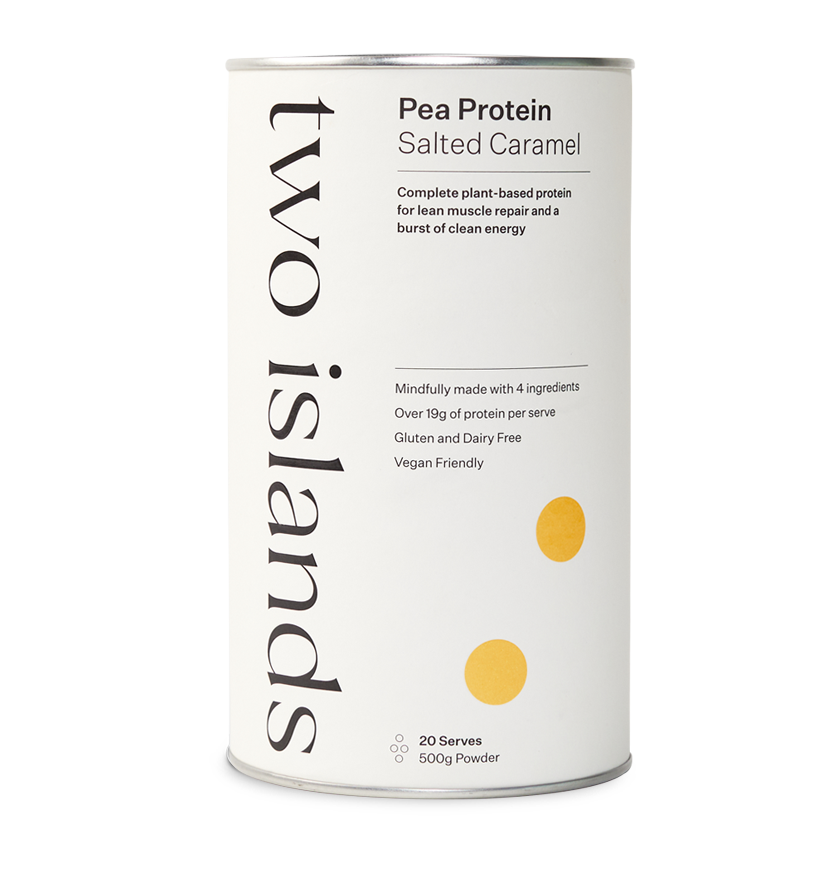
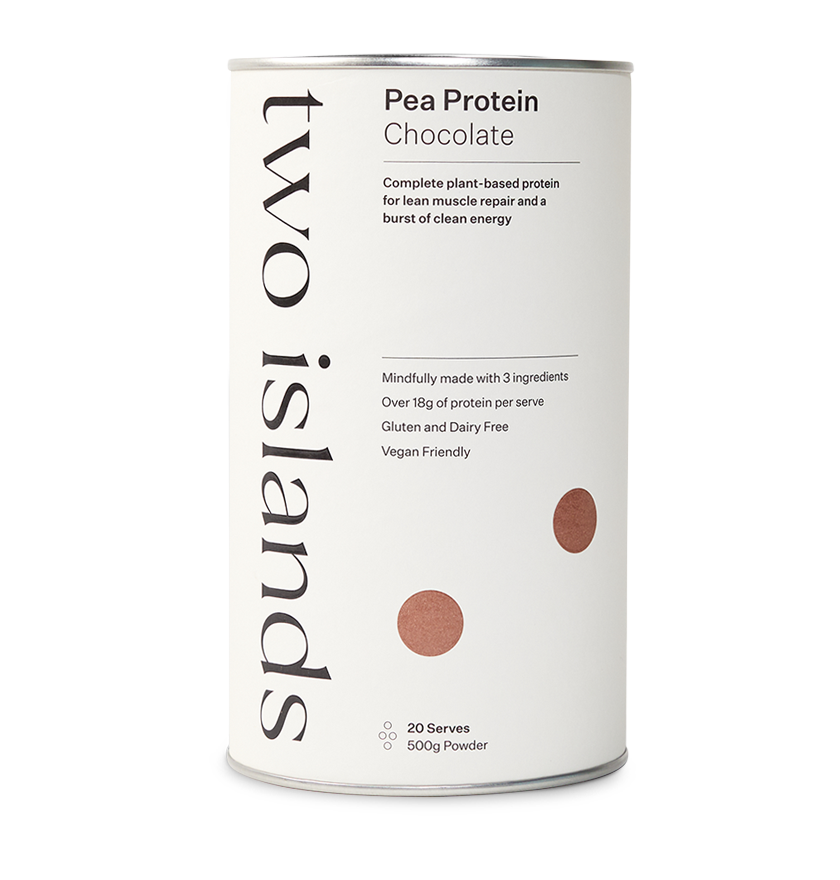
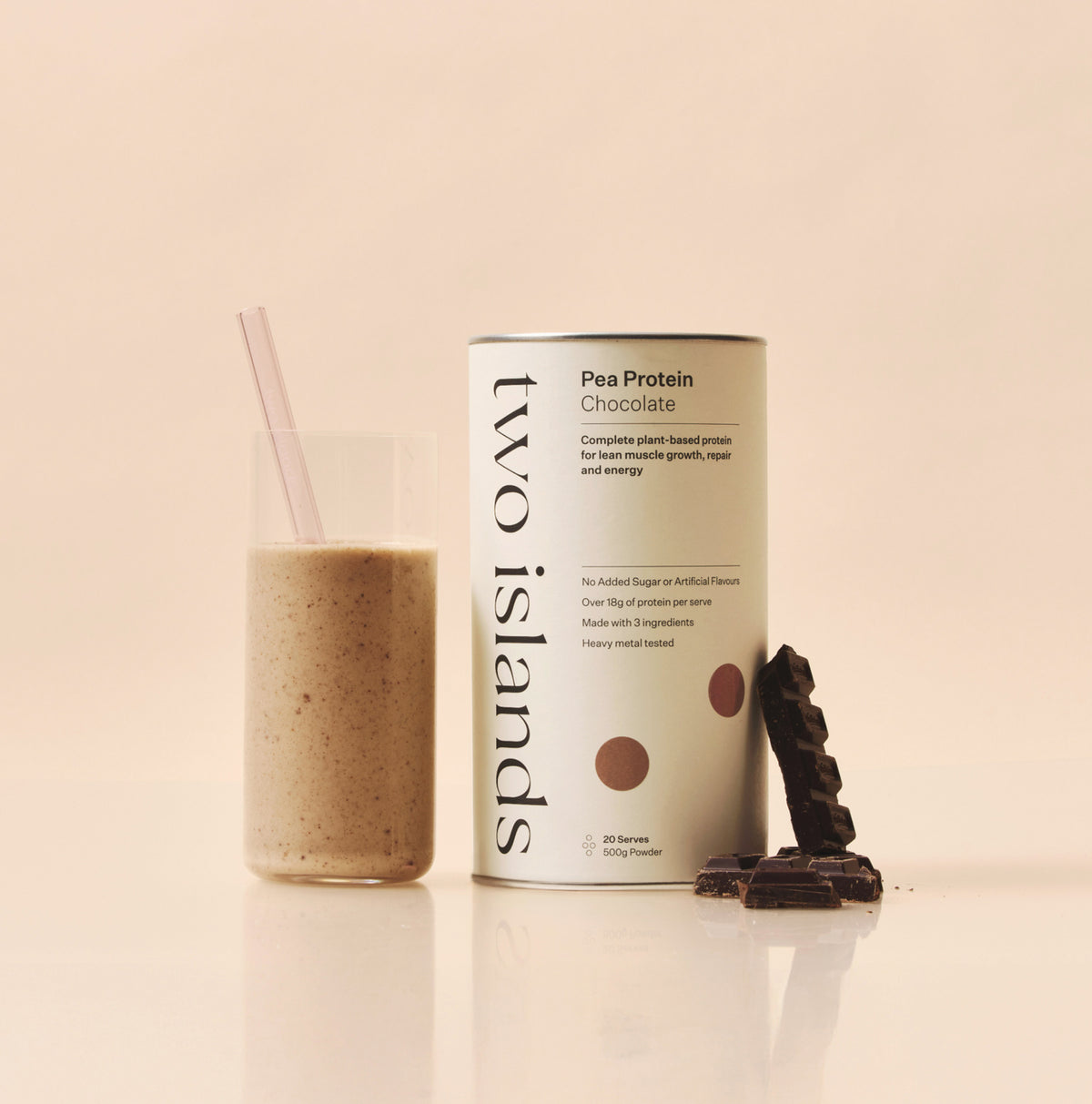
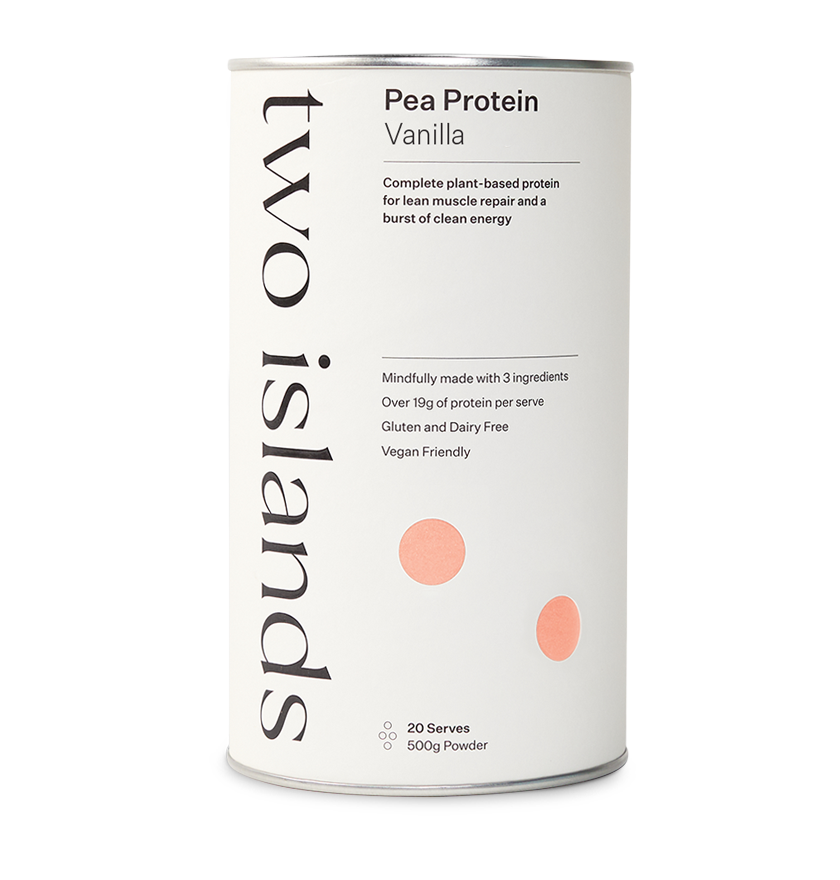
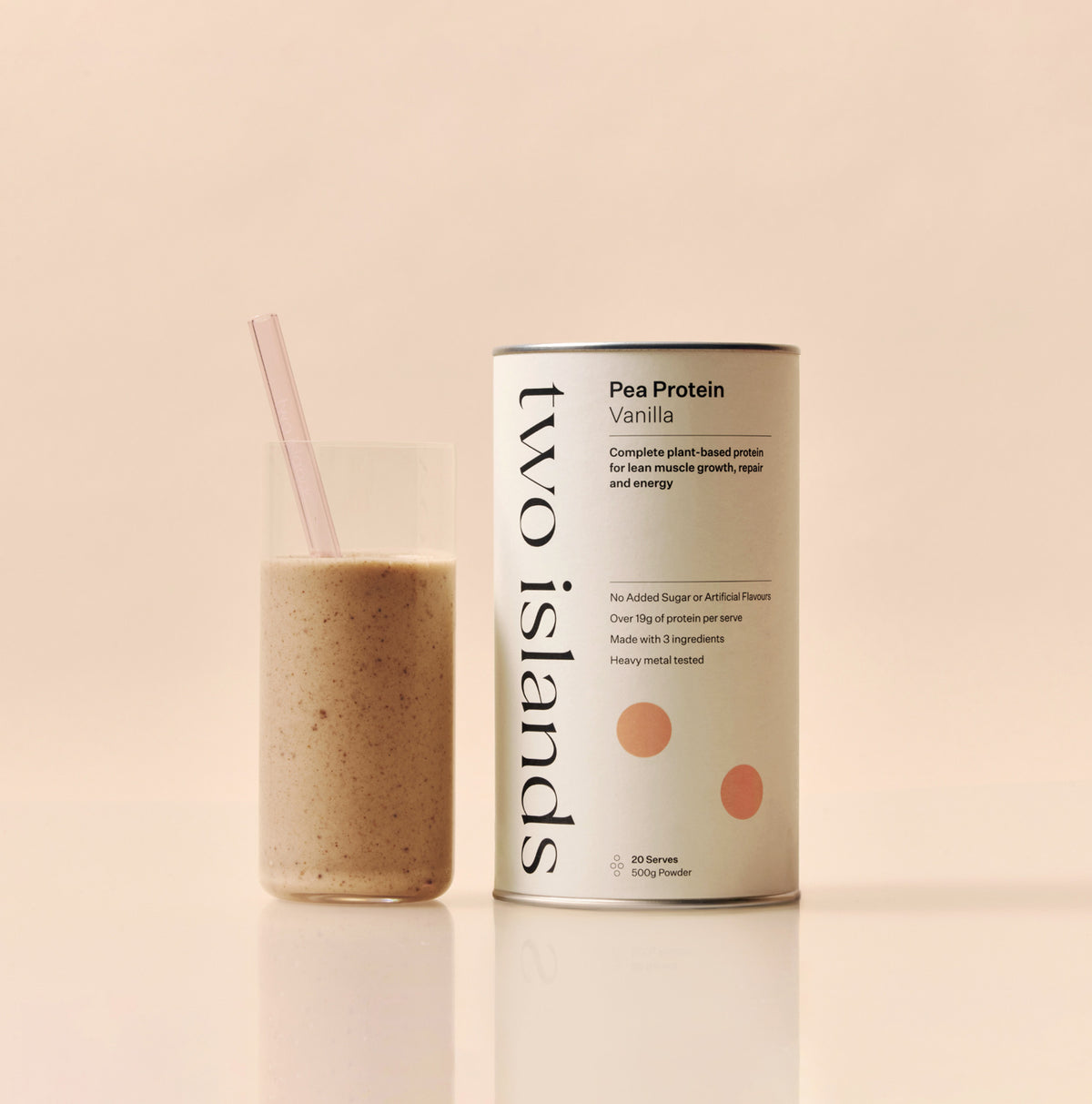
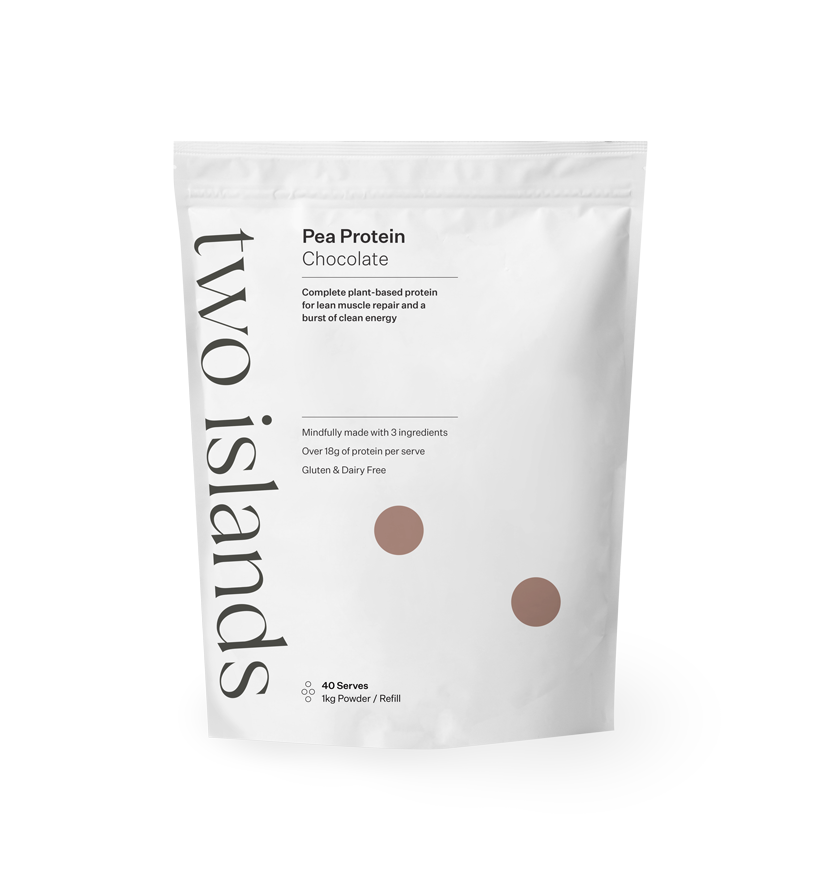
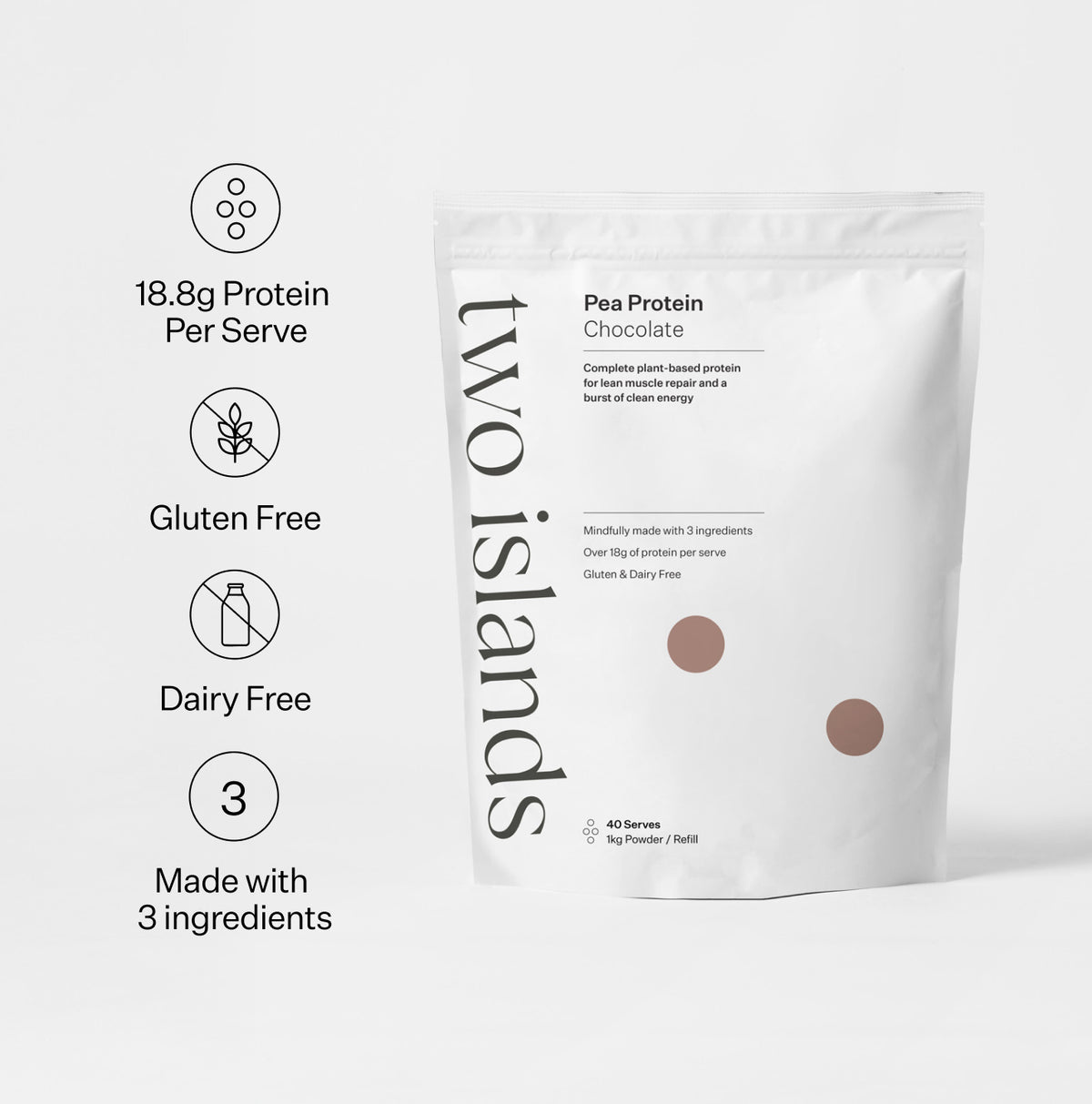
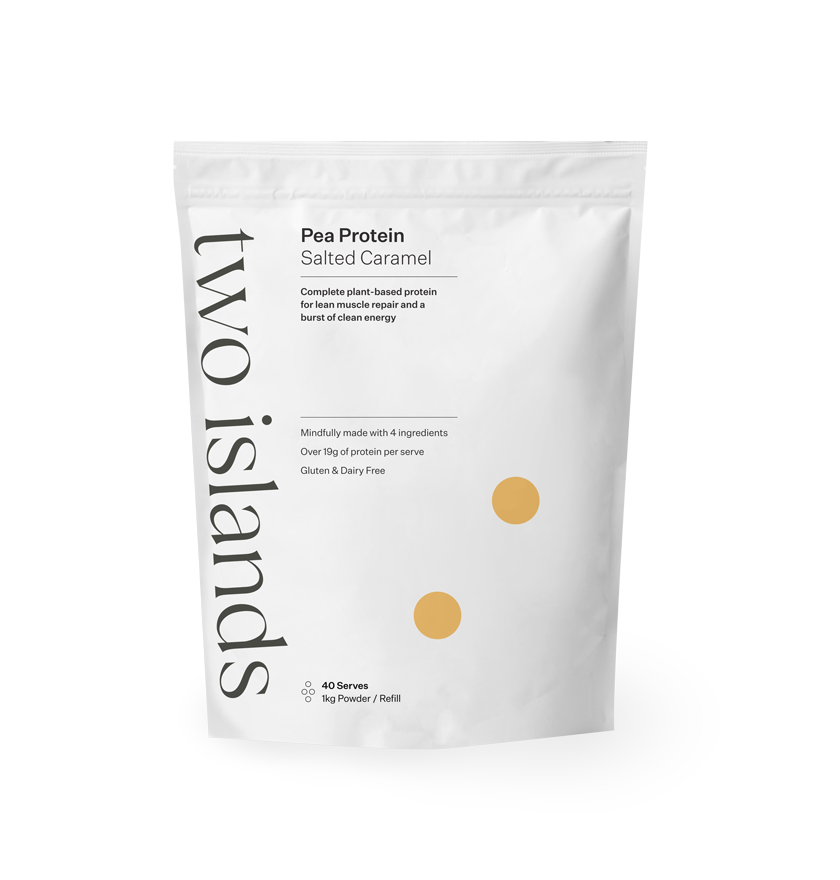
Select the "Subscribe & Save" option before adding your favourite products to your cart, and see the 10% savings!
Select the "Subscribe & Save" option before adding your favourite products to your cart, and see the 10% savings!
Select the "Subscribe & Save" option before adding your favourite products to your cart, and see the 10% savings!
2. Set your schedule
Choose how often you want your product delivered to you. As often as 3 weeks, every 4 weeks, every 6 weeks, or as far out as every 8 weeks. We’ll deliver your product to your doorstep, regularly and automatically. We'll send you an email 3 days prior to your next order as a reminder.
Choose how often you want your product delivered to you. As often as 3 weeks, every 4 weeks, every 6 weeks, or as far out as every 8 weeks. We’ll deliver your product to your doorstep, regularly and automatically. We'll
Choose how often you want your product delivered to you. As often as 3 weeks, every 4 weeks, every 6 weeks, or as far out as every 8 weeks. We’ll deliver your product to your doorstep, regularly and automatically. We'll send you an email 3 days prior to your next order as a reminder.
3. Skip, pause or cancel anytime
Manage your subscription orders easily with our customer portal. You can reschedule, move forward, or push back orders, and even try new flavours. If for any reason you no longer require your Two Islands subscription you are able to cancel at any time for free. Simply sign in to your account to make changes.
Manage your subscription orders easily with our customer portal. You can reschedule, move forward, or push back orders, and even try new flavours. If for any reason you no longer require your Two Islands subscription you are able to cancel
Manage your subscription orders easily with our customer portal. You can reschedule, move forward, or push back orders, and even try new flavours. If for any reason you no longer require your Two Islands subscription you are able to cancel at any time for free. Simply sign in to your account to make changes.
4. Earn & redeem Island Rewards
Subscriptions not only save you time and money but they also earn you more through our loyalty programme, Island Rewards. You can then turn these points into vouchers to redeem on your subscription orders by logging into your account.
Subscriptions not only save you time and money but they also earn you more through our loyalty programme, Island Rewards. You can then turn these points into vouchers to redeem on your subscription orders by logging into
Subscriptions not only save you time and money but they also earn you more through our loyalty programme, Island Rewards. You can then turn these points into vouchers to redeem on your subscription orders by logging into your account.